Let anyone check that it’s really you.
For organisations whose name criminals borrow: banks, insurers, utilities, public services. Anyone with the free Hongi app adds you once from a directory of vetted organisations, then checks on any call that it really comes from you.
Live since September 2026 · free for the public · nothing to roll out to customers one by one
- Vetted by Hongi before it goes live
- Your proven web domain
- Your official numbers, each reviewed
- The person stays pseudonymous to you
“This is your bank’s fraud team. Your account is at risk: move your savings to this safe account.”
Your customers, and people who aren’t customers yet, get calls that claim to come from you. Caller ID can be faked and a confident voice proves nothing.
With Hongi Anyone, the person on the line has one thing to do instead of guessing: check. If the codes don’t match, the app tells them to hang up and shows how to reach you.
Added once. Checked on any call.
The person reads first; your agent answers. Your agent never learns who the person is.
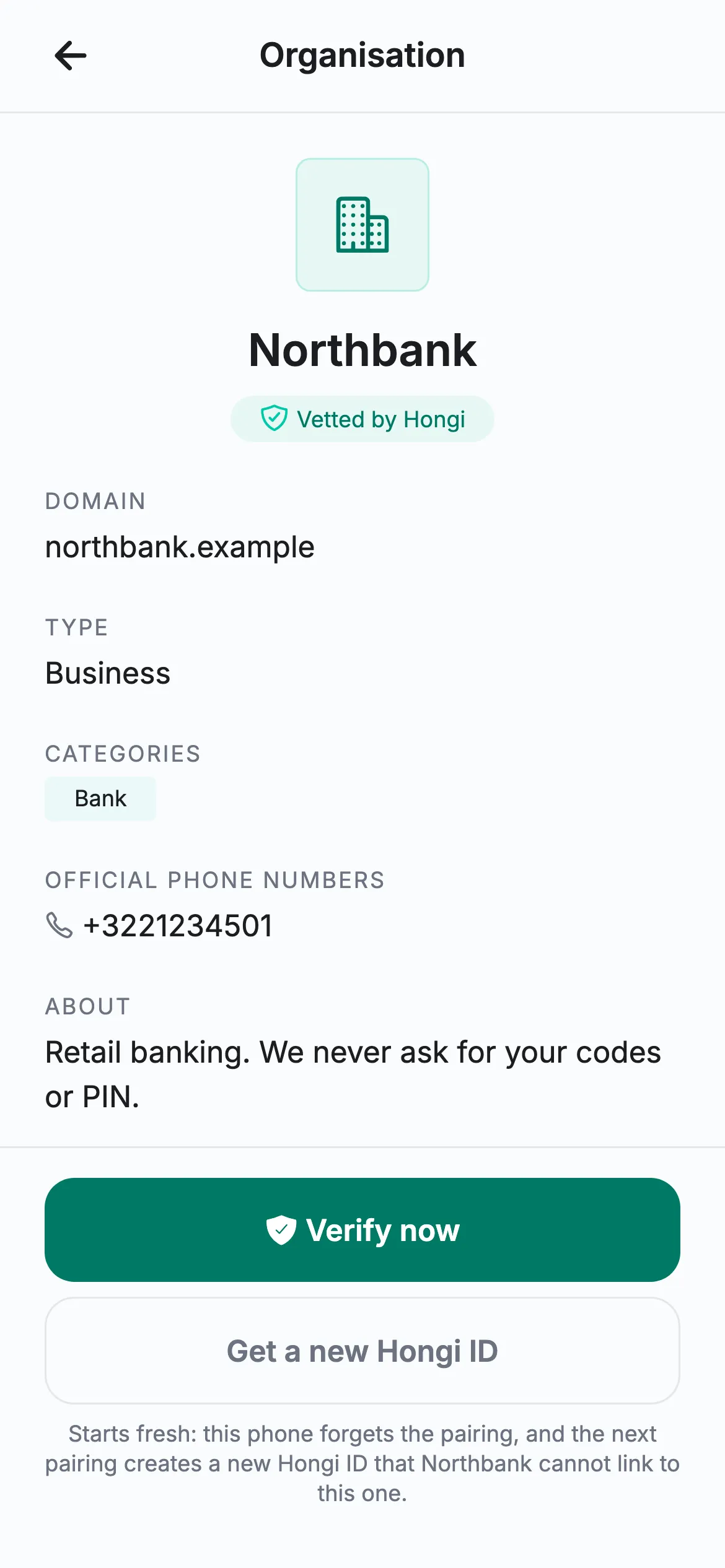
They find you and add you, once
In the app’s directory, by name. Your entry shows your proven web domain and your official numbers. They don’t create an account, and you never learn their name, number or contacts.
On a call, they read their code first
The 6-digit code on their phone. Your agent types it in, which finds their pairing without ever learning who they are.
The person speaks firstYour agent reads your code back
If it matches what their phone expects, the app confirms the caller is your organisation. If not, it tells them to hang up and shows how to reach you.
Then your agent
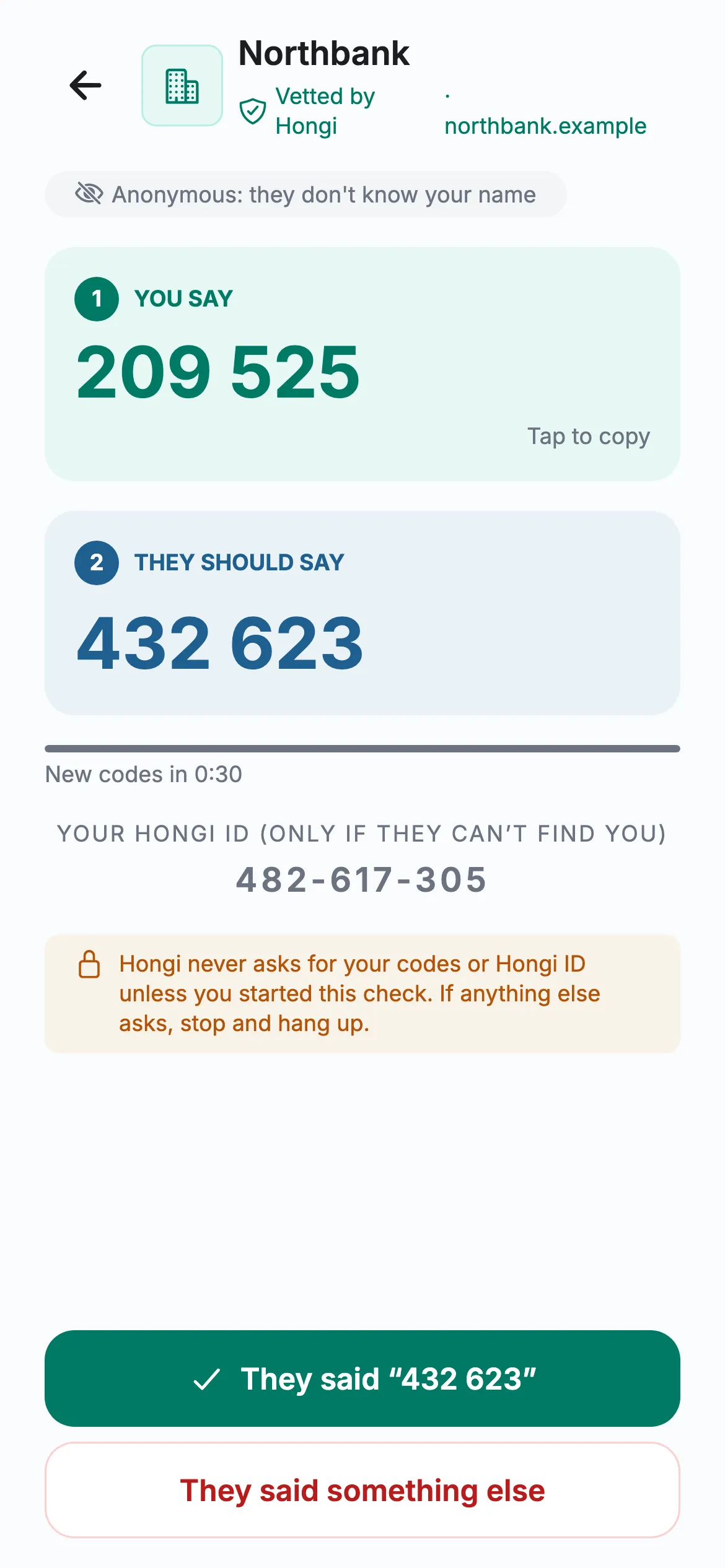
- 1The person reads209 525 Your agent types it in.
- 2Your agent reads back432 623 Their phone checks it.
Codes change every 30 seconds. Hongi never asks anyone for their code outside the app.
Real Hongi screens with fictional demo data
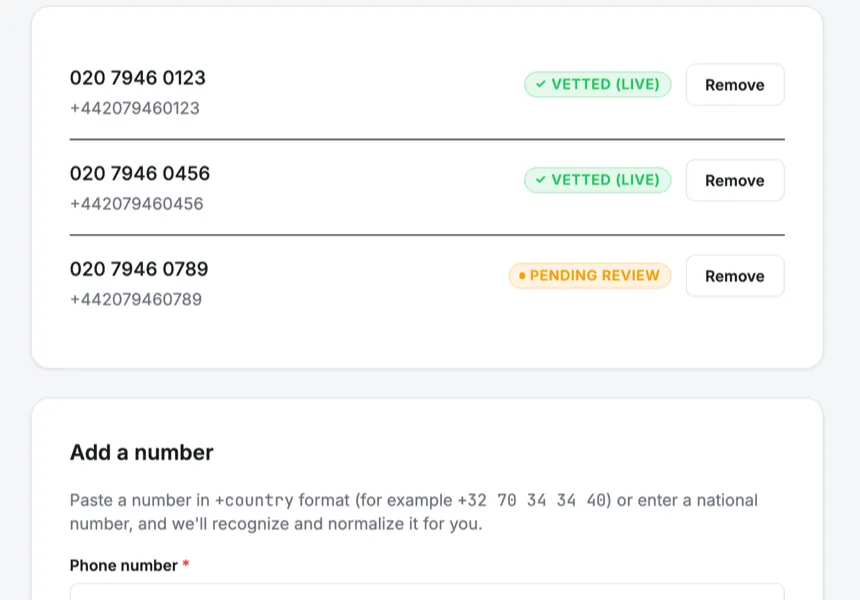
Phone numbers: your official outbound numbers, each reviewed by Hongi before the app shows it.
What your team does
“Verify a caller”: type the code the person reads, then read yours back. In the portal, or in the Hongi app with a work account.
Keep your listing current: logo, description, categories and official numbers, each reviewed before it shows. See active pairs, codes issued and recorded verifications over 30 days.
Read the audit log, kept as a tamper-evident hash chain.
What you set up
Hongi reviews your organisation, your logo and each official number before anything is published.
Domain proof
A DNS record or a file on your website. Hongi checks it again every day.
Editorial review
Hongi reviews your organisation before your listing goes live.
Your listing
Logo, colour and description, and up to three categories such as Bank or Insurance.
Official phone numbers
Each outbound number is reviewed by Hongi before the app shows it.
Verification in the app
Let agents verify callers from the Hongi app with a work account. Off until you switch it on.
Who can verify
Give the Agent role to the people who take calls. Admins manage the listing; auditors read the log.
What Hongi can and can’t see
Anyone checks your organisation; you only ever see that a paired phone came back.
- That the same paired phone comes back across calls, never who it is
- Never: the person’s name, number or contacts
- Active pairs, codes issued and recorded verifications
- Your organisation’s copy of each pair secret, encrypted under its own data key and wrapped by a master key in AWS KMS
- Hongi computes your codes for your agents, so any authorised agent can speak for you
- Never: call audio or call content
- Whoever fully controlled Hongi’s signing service and its key rights could compute your organisation’s codes. That limit is operational, not cryptographic.
- An attacker on two calls at once can relay codes within 30 seconds. The defence: check on a call placed to a known number, such as one in your listing.
Is this caller ID?
No. Hongi doesn’t change what a phone shows on an incoming call; a number on a screen can be faked. The check is the two codes read during the call.
Do the people we call need an account?
No. They install the free app and add you once. They don’t create an account, and you never learn their name, number or contacts.
Do our agents need the app?
No. Agents verify in the Hongi portal. If you switch it on, they can also verify from the Hongi app with a work account.
What does a listing need?
Proof that you control your domain (a DNS record or a file on your website), an editorial review by Hongi, and your logo and official numbers, which Hongi reviews too.
How do we know the directory isn’t tampered with?
The list of organisations reaches phones signed by Hongi with a key held in AWS KMS, and the phone checks that signature against the production key built into the app. That protects the list in normal operation; the security page explains what it does and doesn't cover.
Get listed, and give your fraud hotline one thing to say.
A fake fraud-team call, a fake tax-office call: apply for a listing and we take you through the domain proof and the review. Or email info@hongi.io.